Cutting a corporate video into shorter clips for LinkedIn
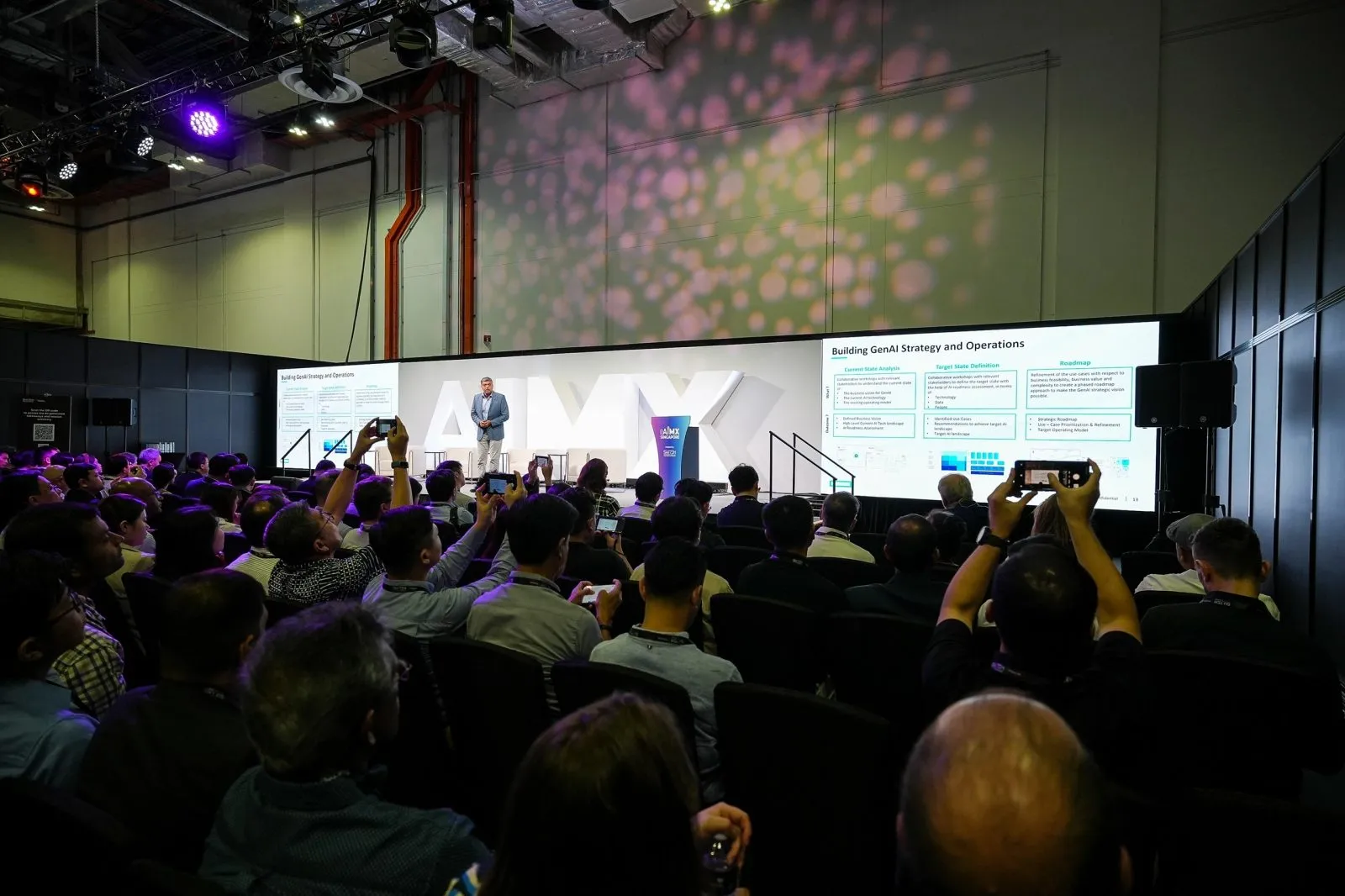
Shorter LinkedIn clips can be cut from the same footage used for a full corporate video, as long as pacing, aspect ratio and captions for a social feed are briefed before the shoot.
Key takeaways
- A full-length corporate video and a LinkedIn clip usually need different pacing to hold attention
- Cutdown moments are easier to plan for during filming than to discover afterwards in the edit
- A square or vertical aspect ratio and burned-in captions suit how people watch LinkedIn video
- Several short clips can come from one shoot without booking a separate production
- Requesting cutdowns as part of the original brief avoids a second round of editing later
Why a full-length video and a LinkedIn clip need different pacing
A three-minute corporate video made for a website or a town hall screen can afford a slower build, with context set up before the main point lands. A LinkedIn clip does not have that luxury. Most viewers scroll past within the first few seconds unless something in the opening frame holds their attention, so a cutdown needs its strongest moment right at the start rather than saved for later.
This is not simply a shorter version of the same edit. It usually means re-ordering the material so the clip opens with a clear hook, whether that is a striking line from an interview or a visually strong shot, rather than the same introduction used in the full video.
Trying to compress the full video's structure into a shorter runtime, rather than rebuilding the pacing around a feed-scrolling audience, is usually why a cutdown feels flat even when the source material is strong.
Identifying cutdown moments during the original edit process
The easiest way to get good LinkedIn clips is to flag likely cutdown moments while reviewing footage for the main edit, rather than going back through hours of raw material afterwards. A strong quote, a reaction shot, or a self-contained moment that makes sense without the surrounding context are all good candidates.
Editors working on the full video are already watching every clip closely, so asking them to note two or three standout moments as they go is far more efficient than a separate review pass later. This is worth raising with the production vendor before editing starts, not after the main video is already locked.
A moment that works well inside the full video is not always the strongest standalone clip, since it may rely on something said a minute earlier. Flagging moments that hold up on their own, without extra context, produces cleaner cutdowns.
Aspect ratio and caption considerations for a social feed
Most corporate video is filmed and edited in a widescreen format suited to a website or a presentation screen, but LinkedIn feeds are increasingly viewed on mobile, where a square or vertical crop performs better. A cutdown clip usually needs reframing, not just trimming, so that the subject stays properly framed in the new aspect ratio.
Captions matter just as much as framing. Many people scroll LinkedIn with sound off, so a clip without burned-in captions loses much of its message before anyone turns the volume on. Planning for captions during the cutdown edit, rather than adding them as an afterthought, keeps the clip watchable either way.
If the original shoot is framed with a wider safety margin around the subject, reframing to a tighter ratio later becomes much easier, since there is room to crop without cutting anyone off.
Producing several clips from one shoot without a new booking
A single day of filming for a corporate video, particularly one built around interviews, usually generates more usable material than the main video alone needs. This makes it realistic to produce a handful of short clips from the same footage without booking additional filming time, since the extra work sits mostly in the editing stage rather than on set.
The number of clips that can reasonably come from one shoot depends on how much interview or b-roll footage was captured, so it is worth discussing this expectation with the vendor rather than assuming an unlimited supply of usable moments. A shoot built around one short scripted message will naturally produce fewer cutdown options than a longer, interview-driven session.
Requesting cutdowns as part of the original brief
The most efficient way to get LinkedIn clips is to ask for them when the corporate video is first briefed, not after the final cut is delivered. This lets the crew shoot with cutdowns in mind, for example holding a camera steady a little longer after a strong answer so there is clean footage either side of the moment to work with.
It also lets the editor plan captions and reframing as part of the same project timeline, rather than opening the footage again later as a separate task. Our corporate video team scopes cutdown clips as an add-on to the main edit when this is flagged at the brief stage, which usually keeps the extra cost and turnaround more predictable than requesting them afterwards.
Questions organisers ask
Can LinkedIn cutdown clips be produced from the same corporate video shoot?
Yes, a single day of filming usually generates enough footage to produce a few short clips in addition to the main video, without needing a separate shoot. This works best when cutdowns are planned for from the brief stage.
Do social clips need a different aspect ratio from the main video?
Usually yes, since a widescreen edit made for a website does not display well on a mobile-first feed like LinkedIn. A square or vertical crop with the subject properly reframed tends to perform better.
How many clips can typically be produced from one corporate video shoot?
This depends on how much interview or supporting footage was captured during the shoot, so it varies by project. Discussing this expectation with the production vendor before filming helps set a realistic number.
Should LinkedIn clips include captions?
Yes, captions are important because many people watch LinkedIn video with the sound off. Burning in captions during the cutdown edit keeps the message clear whether or not the viewer turns the sound on.
If you want your next production to double as LinkedIn-ready clips, our corporate video page covers how cutdowns are typically scoped alongside a main edit.
Related reading: Corporate Video Production Singapore · Event Videography Rates Singapore: What Video Costs (2026) · Corporate Event Photography Shot List: Free SG Template.
More guides: Same-day highlight clips from your live streamed event · One recap video or several clips for a dealer network conference.
Let's talk
Planning an event in Singapore?
Send us the date, venue and programme. You will get a considered production plan and a fixed nett quote.