Streaming a hybrid conference to remote delegates overseas
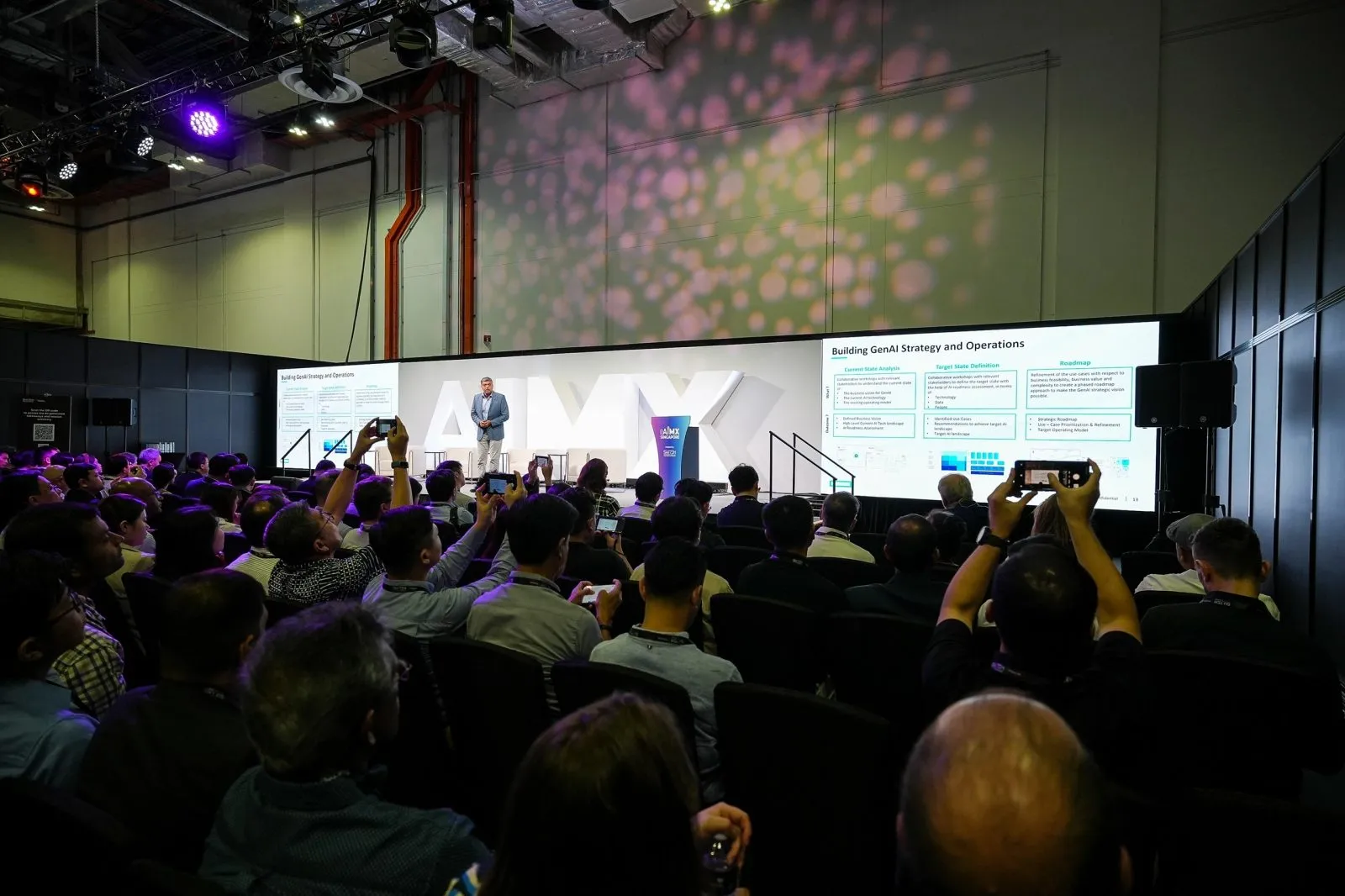
Streaming a hybrid conference to remote delegates overseas needs more than a camera pointed at the stage; it needs the stage, the screen content and the Q&A all captured clearly, with a schedule that respects the time zones your remote audience is joining from. Getting this briefed properly upfront matters more than any single piece of equipment, and it is a detail that is easy to overlook until it shows up as a complaint from the room.
Key takeaways
- A static camera on the stage alone leaves remote delegates unable to follow slides or Q&A properly.
- Screen content needs its own capture, not just whatever a wide shot happens to catch.
- Time-zone coordination should be part of the programme planning, not an afterthought at go-live.
- Remote attendees notice when they are treated as a lesser audience than the room.
- Brief your vendor on the exact split of local versus overseas delegates before the event.
Why remote delegates need more than a static camera on the stage
A single camera fixed on the podium works for someone physically in the room, who can glance at the screen or shift their attention to a colleague asking a question. A remote delegate watching a screen has none of that context; if the stream only shows the speaker, slide changes and audience reactions are effectively invisible to them.
This is the most common gap in hybrid conference streams that otherwise look fine on paper. The equipment may be adequate, but the framing decisions were made for the room, not for the screen.
Organisers often only notice this gap after the fact, when overseas delegates report they could not follow a session that the room found perfectly clear.
Capturing stage, screen content and Q&A for a remote feed
A proper hybrid setup typically separates these into distinct sources: a camera or two on the stage for the speaker, a direct capture of the presentation screen so slides are legible rather than filmed at an angle, and a way to bring audience or floor microphone questions into the mix so remote viewers can follow the exchange, not just guess at it from the speaker's answers.
A producer switching between these sources, rather than a single fixed wide shot, is what makes the difference between a remote delegate following the session and one who gives up halfway through.
This separation matters most during Q&A, when a remote viewer needs to hear the question clearly before the answer makes any sense.
Coordinating time zones for delegates joining from multiple countries
If your delegates are joining from Europe, the US and Asia at once, no single session time is convenient for everyone, and pretending otherwise sets up disappointment. Decide early which sessions genuinely need live remote attendance and which can be watched later from a recording, so you are not forcing every time zone to accommodate a single live slot.
Share this delegate spread with your streaming crew during planning, since it can affect decisions about which sessions get the fullest live production treatment.
A recording made available soon after each session closes the gap for delegates who could not join live without asking them to stay up through the night.
Making remote attendees feel included, not like an afterthought
Small production choices signal how seriously remote delegates are being treated. Reading out questions submitted online alongside floor questions, showing the presentation screen clearly rather than as a blurry background element, and keeping the same production quality for a whole session rather than tightening up only for the opening keynote all add up.
Remote attendees notice quickly when they are treated as the secondary audience rather than a genuine part of the room, and it can affect how they rate the event afterward.
Treating the remote feed as a full production, not a webcam bolted onto the main event, is usually the deciding factor.
Briefing a vendor on your remote delegate mix upfront
Tell your crew, before the day, roughly how many delegates are remote versus in the room, which countries they are joining from, and which sessions matter most to that remote group. This shapes decisions on camera count, screen capture priority and whether a session needs a dedicated technician watching the remote chat or Q&A feed.
A vendor briefed this way can make better calls in the moment than one simply told to stream the whole day the same way throughout.
Send this alongside your run sheet and venue details so the planning conversation covers the full picture in one sitting.
Questions organisers ask
What does a proper hybrid streaming setup capture for remote delegates?
It typically captures the stage or speaker, a direct feed of the presentation screen so slides remain legible, and a way to bring audience or floor questions into the stream. Relying on a single wide camera shot usually leaves remote delegates unable to follow slides or exchanges properly, no matter how good the camera itself is.
How is time-zone coordination handled for international remote attendees?
Decide in advance which sessions need genuine live attendance from overseas delegates and which can be watched later from a recording, since no single time slot suits every time zone. Share the delegate spread with your streaming crew so production effort matches which sessions matter most.
Can remote delegates ask questions during a hybrid conference stream?
Yes, if the setup includes a way to bring online questions into the same flow as floor microphone questions, usually read out or displayed by a technician monitoring the remote channel. This should be planned and briefed in advance rather than added improvised on the day.
Does hybrid streaming cost more when delegates are spread across countries?
It can, since covering multiple sources well and possibly running sessions at different times or with extra recording support adds production complexity. Share your delegate mix early so the quote reflects the actual coordination required rather than a single-location assumption, particularly if several sessions need a recording made available afterward.
For a hybrid stream briefed around where your delegates are, see our live streaming page and send us your delegate mix and programme for a setup built around them.
Related reading: Event Live Streaming Singapore · Singapore Event Crew for Overseas Organisers · Overseas Organiser's Guide to Event Photography in Singapore.
More guides: Integrating remote audience questions into a live streamed panel · Live streaming a Singapore event for an overseas head office audience · Live streaming a multi-hall hybrid event at Suntec.
Let's talk
Planning an event in Singapore?
Send us the date, venue and programme. You will get a considered production plan and a fixed nett quote.