Integrating remote audience questions into a live streamed panel
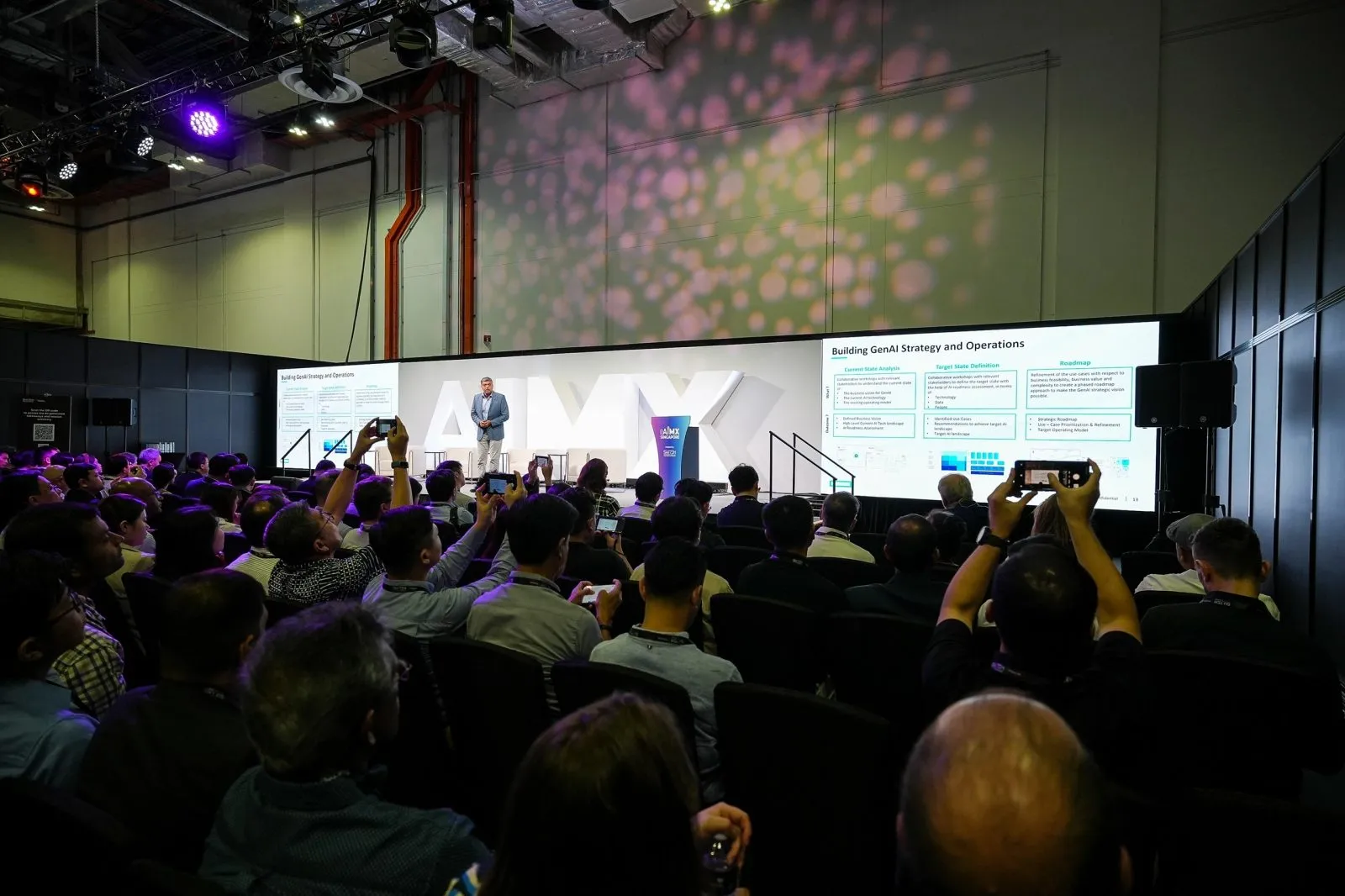
Remote questions reach a panel moderator through a submission channel, such as a chat window or a question form, monitored by someone dedicated to that job who passes selected questions to the moderator in a way that does not interrupt the panel's flow.
Key takeaways
- Remote questions need a dedicated monitor watching the submission channel throughout the panel.
- Decide in advance how selected questions physically reach the moderator on stage.
- Balance in-room and remote questions deliberately rather than favouring whichever arrives first.
- Test the full question path during rehearsal, from submission to the moderator reading it aloud.
- Brief both the moderator and the streaming crew on the workflow before the panel begins.
Why remote-submitted questions need a clear path to the moderator
A moderator on stage cannot watch a chat window and run the panel discussion at the same time. Without a defined path for remote questions to reach them, questions either pile up unread or interrupt the moderator's attention at unpredictable moments. This is a workflow problem, not a technology problem, and it needs a person assigned to it as much as it needs the right tools.
The path from a remote viewer typing a question to the moderator reading it aloud usually involves at least one person in between, filtering and relaying questions rather than the moderator reading raw submissions directly off a screen while also running the discussion. Without this intermediate step, a moderator is forced to split attention between the room and a screen, which tends to slow the discussion and make the handling of questions feel disjointed.
Setting up a question queue visible to the moderator on stage
A practical setup uses a dedicated person monitoring the submission channel, whether that is a stream chat, a separate question form, or both, who selects and forwards suitable questions into a queue the moderator can glance at. This might be a printed or written note passed to the moderator, a screen visible only from the stage, or a brief verbal relay during a natural pause in the discussion.
Whatever the method, keep it simple enough that the moderator can absorb a question quickly without losing the thread of the panel discussion already underway. Agree beforehand on how many questions should be queued at once, so the monitor is not holding back a growing backlog while waiting for a gap to hand them over.
Balancing in-room and remote questions during the segment
Decide in advance roughly how the Q&A segment will split between in-room and remote questions, rather than leaving it to whichever channel happens to be more active on the day. A common approach alternates between the two, or reserves a portion of the segment specifically for remote questions so a vocal in-room audience does not crowd out the remote one entirely.
Communicate this plan to the moderator beforehand so they can manage the segment's pacing deliberately, rather than improvising the balance in the moment while also tracking speaking time and panel dynamics. If time runs short, agree in advance whether remote or in-room questions take priority for the final slots, so that decision is not made under pressure as the segment is ending.
Testing the Q&A integration during rehearsal
Test the full path during rehearsal: submit a sample question through the actual channel remote viewers will use, confirm it reaches the person monitoring it, and confirm it reaches the moderator in the format planned for the real session. This catches gaps such as a chat window that is difficult to monitor alongside other production tasks, or a relay method that turns out to be slower than expected once tried in practice.
Include this specific test in your live streaming rehearsal alongside the usual audio and camera checks, since a Q&A workflow that has never been run through tends to be where the first live attempt goes wrong. Treat this test as seriously as an audio check, since a broken question path is just as visible to a live audience as a dead microphone.
Briefing this workflow to both the moderator and streaming crew
Both the moderator and the streaming crew need to understand the same Q&A workflow before the panel starts. The moderator needs to know how questions will reach them and roughly when to expect the segment to run, while the crew needs to know who is monitoring the submission channel and how that person signals a question is ready.
Put this in writing as part of the event-day briefing rather than explaining it verbally once, so everyone involved has the same reference if a question arrives at an unexpected moment during the live segment. A short written summary also makes it easy to reuse the same workflow for future panels without re-explaining it from scratch each time, which matters if your organisation runs panel discussions on a recurring basis with different moderators.
Questions organisers ask
Can remote audience questions be surfaced smoothly to a panel moderator?
Yes, with a dedicated person monitoring the submission channel and a defined path for passing selected questions to the moderator, such as a written note or a screen visible only from the stage, tested in advance so it does not interrupt the panel's flow.
How is a Q&A workflow tested before the panel goes live?
Submit a sample question through the actual channel remote viewers will use during rehearsal, and confirm it reaches the monitor and then the moderator in the planned format. This catches gaps in the relay method before the real session.
Should remote and in-room questions be balanced deliberately?
Yes. Decide in advance roughly how the segment will split between the two, such as alternating questions, so a more vocal in-room audience does not crowd out remote viewers entirely.
Who should monitor the remote question channel during the panel?
Assign someone specifically to this task rather than expecting the moderator or the streaming crew to do it alongside their other responsibilities. A dedicated monitor can filter and relay questions without disrupting the panel's pacing.
Talk to us about building a remote Q&A workflow into your next panel through live streaming and hybrid events.
Related reading: Event Live Streaming Singapore · Conference Photography Singapore · Event Live Streaming in Singapore: Costs & How It Works.
More guides: Streaming a hybrid conference to remote delegates overseas · Same-day highlight clips from your live streamed event · Video-on-demand turnaround after a live-streamed event.
Let's talk
Planning an event in Singapore?
Send us the date, venue and programme. You will get a considered production plan and a fixed nett quote.