What to brief your live streaming technicians before event day
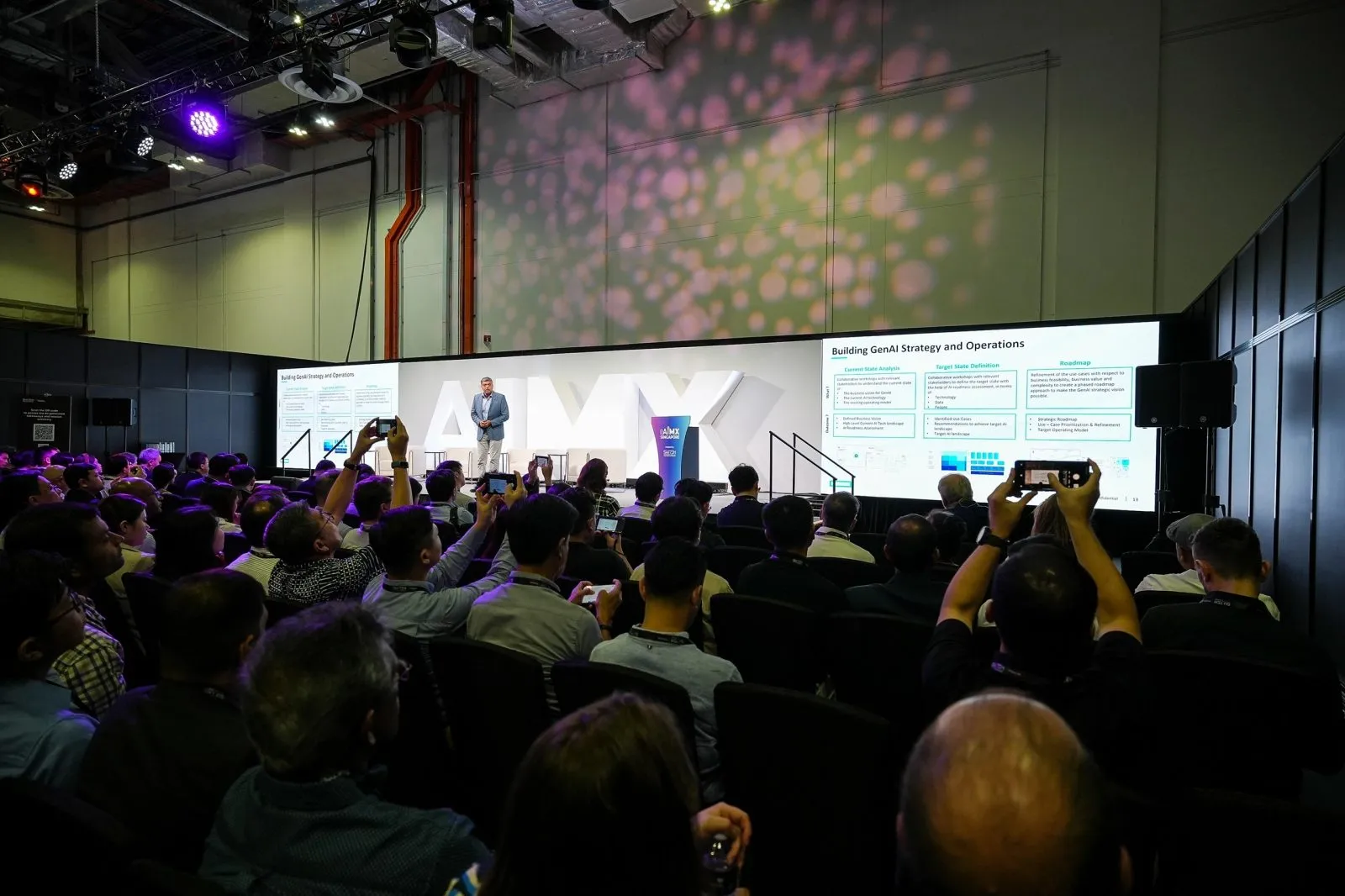
A live streaming technician needs the run-of-show timing, the venue's AV contact details, the network setup on site and the platform and access links for the stream, sent as one document well before event day. Gaps in any of these four areas are the most common cause of a rocky start to a stream.
Key takeaways
- Send one document covering timing, venue AV contacts, network details and platform access
- The run-of-show should flag exact session start times, not just a rough agenda
- Venue AV contact names and reach numbers save time when something needs fixing on the spot
- Wifi details or an alternative connection plan should be confirmed, not assumed
- Share the checklist days ahead, not the morning of the event
Run-of-show timing and session order for the crew
A streaming crew works against the clock in a way a photographer does not. If a keynote starts three minutes late and nobody tells the control point, the stream can miss the opening line or cut in mid-sentence. The run-of-show you send should list exact start times for each session, not a general morning and afternoon split, along with which sessions need to be live and which can be recorded only.
- Confirm start and end times for every session that streams, including short changeovers between speakers
- Flag any session that is recording only, so the crew does not hold a live feed open unnecessarily
- Note where breaks fall, since a technician often uses that window to check audio levels or swap a battery
- Name a single point of contact on your side who can confirm a delay in real time
Without this, the crew is guessing at pacing from a printed agenda that rarely survives contact with the actual day.
Venue AV contact details and access arrangements
Most venues run their own AV or technical team for lighting, sound and the house PA, and a streaming crew needs to plug into that system, not work around it. Share the name and mobile number of the venue's AV lead before event day, along with load-in and access timing so equipment can be brought in and tested before doors open.
- Venue AV contact name and mobile number, confirmed as reachable on the day itself
- Load-in window and which entrance or loading bay to use
- Whether the crew needs a visitor pass, contractor pass or prior security clearance to access the room early
- Power point locations near the streaming position, and whether the venue or the crew supplies extension cabling
A technician who arrives without this information spends the early part of load-in finding people instead of setting up, which eats into the buffer before the first session goes live.
Wifi and network information the crew needs in advance
Network access is usually the single biggest unknown in a venue the crew has not worked in before. Share the venue's wifi network name and password if there is one, and flag whether a dedicated wired connection or a reserved bandwidth allocation has been arranged with the venue's IT or AV team.
- Wifi network name and password, or confirmation that a wired line will be provided
- Whether the venue has a separate network for AV or production use, distinct from guest wifi
- Any known dead zones or congestion issues from past events at the same venue
- Contact for the venue's IT support if the connection needs troubleshooting on the day
This information does not need to be perfect. Even a rough answer lets the crew plan a backup connection rather than discovering the gap once the stream is already meant to be live.
Platform and access link details for the stream itself
The technician also needs to know exactly where the stream is going. This means the streaming platform in use, whether it is a public link, a private webinar system or an embedded player on your own website, and who holds the login credentials to start and stop the broadcast.
- Platform name and the account or channel the stream publishes to
- Stream key or access credentials, shared through a secure channel rather than a group chat
- Whether remote or overseas viewers are joining, since that affects how the platform is configured
- Who on your side needs to see a test feed before the session goes live, and by when
Confirming this a few days out, not on event morning, gives time for a short test stream so any platform issue is caught while there is still room to fix it.
Sending this checklist well ahead of event day
All four sections work best as a single document sent to the streaming crew well before the event, not spread across several emails in the final days. A technician reading it once can flag questions early rather than arriving with unresolved gaps. If the venue changes a detail close to the date, a short update note covering just that change is enough; there is no need to resend the whole document each time.
- One combined document covering timing, venue contacts, network and platform details
- Sent with enough lead time for the crew to raise questions before event day
- Updated with a short note if anything changes close to the date
- Paired with a named contact on your side for last-minute questions
A crew that has this in hand before they load in spends event day on the stream itself, not on finding basic information that should have arrived earlier.
Questions organisers ask
What information should be sent to a live streaming crew before the event?
Send the run-of-show timing for each session, the venue AV contact's name and number, the wifi or network setup on site, and the streaming platform details including access credentials. These four areas cover most of what causes a rocky start if they are missing.
How far ahead should this briefing checklist be shared?
Share it well ahead of event day rather than in the final 24 hours, so the crew has time to raise questions and a short test stream can be arranged if the platform needs checking. A short update note is fine if a detail changes closer to the date.
Who should be named as the point of contact for the streaming crew?
One person on the organising side should be reachable throughout the event to confirm timing changes or answer questions in real time. This avoids the crew chasing several people for the same answer during a live session.
Does the venue's own AV team need to be involved in the briefing?
Yes, since the streaming crew usually needs to connect into the venue's power, network and sometimes house sound system. Sharing the venue AV contact's details in advance means access and technical questions can be resolved before the crew arrives.
A clear briefing checklist is one of the simpler ways to protect a live stream from an avoidable technical hitch. For multi-camera setups with redundant encoding built in, see our live streaming service.
Related reading: Event Live Streaming Singapore · Event Live Streaming in Singapore: Costs & How It Works · EXPRESS 24™ — Same-Day Event Photos & Video, Singapore.
More guides: Your live streaming crew cancelled before the event: what to do next · How crew size scales for live streaming a large conference · Planning for an unreliable venue network before you live stream.
Let's talk
Planning an event in Singapore?
Send us the date, venue and programme. You will get a considered production plan and a fixed nett quote.