Multi-camera live streaming with redundant encoding, explained
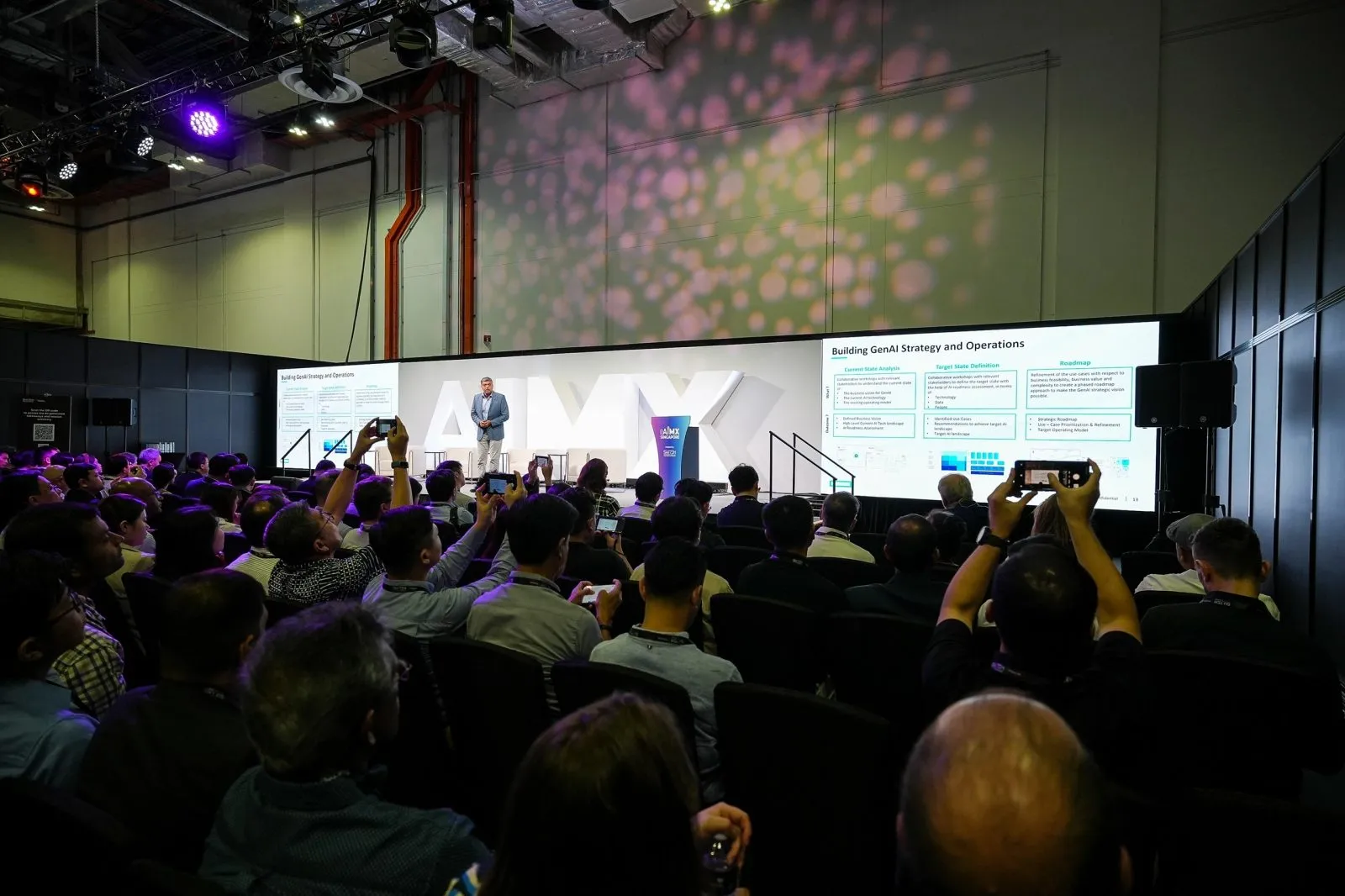
Redundant encoding means a live stream is encoded and pushed out through two independent paths at the same time, typically two encoders on two separate internet connections, so if one fails the stream keeps running on the other. Paired with a multi-camera setup and a technician switching angles live, it turns a single point of failure into a broadcast that can survive a dropped line without the audience noticing.
Key takeaways
- Redundant encoding uses two separate encoding and network paths, not one line with a spare cable.
- A vision mixer and a technician switching live angles is what turns several cameras into one broadcast.
- Failover should be near-instant and invisible to viewers watching from outside the venue.
- Redundancy is not automatic on every booking; confirm it in writing at the planning stage.
- Ask a vendor to describe an actual failover they have handled, not just say backup exists.
What redundant encoding means in plain terms
Strip away the jargon and redundant encoding is simple: the same video and audio signal is sent out twice, through two separate encoders, each on its own internet connection. One path might be the venue's wired network, the other a mobile data line kept purely as backup. If the first drops, the platform receiving the stream is already getting a live feed from the second, so viewers see no gap.
This is different from having a spare cable in a bag. A true redundant setup means the second path is live and monitored throughout the event, not something a technician scrambles to plug in after something has already gone wrong. It is a planning decision made before the event starts, not a reaction during it, and it should be discussed at the same time as camera count and crew size, not added as an afterthought once the run sheet is already locked.
How multiple cameras combine into one polished stream
A single static camera on a tripod produces a webcam feed, not a broadcast. A multi-camera setup typically covers a wide shot of the stage, a closer shot of the speaker, and a capture of the screen content, all feeding into a vision mixer operated by a technician during the live event. That person cuts between angles as the programme moves, much like a television broadcast rather than a recording left running.
This is where a corporate stream starts to feel produced rather than improvised. Cutting to the screen when a slide changes, or to a wide shot during audience questions, keeps a remote viewer oriented in a way a fixed camera cannot manage on its own. The number of cameras that makes sense depends on the format; a single speaker on a stage needs fewer angles than a panel discussion with several participants.
Why redundancy reduces the risk of a dropped feed
Large venues put real strain on a network. A conference hall or exhibition centre with hundreds of devices on the same wifi can see congestion spike exactly when a keynote starts, which is also the worst possible moment for a stream to go dark. A dropped feed during a formal or press-facing broadcast is not something you can quietly fix afterward; the live audience already saw the gap.
This is the practical case for redundancy: it is not about distrust of any one connection, it is about accepting that any single connection can fail at a large venue, and building a second path so one failure does not become the whole event's failure. The cost of planning for this ahead of time is small compared with the cost of a visibly broken broadcast in front of delegates or the press.
Setting this up as part of a standard streaming booking
Our in-house crew includes streaming technicians alongside photographers and videographers, and redundant encoding is something we plan for at the briefing stage rather than assume by default. That means checking the venue's network in advance, confirming whether a second connection is available on site, and agreeing with you upfront whether redundancy is needed for this particular event or whether a single reliable connection is enough.
Not every internal town hall needs the same level of backup as a shareholder meeting or a press conference. Bring your event's stakes into the planning call so the setup matches what is at risk if the stream drops, and ask for the encoding approach to be written into the quote rather than assumed as included.
Questions to ask a vendor about their encoding setup
Before you sign off on a streaming quote, ask what specifically happens if the primary connection drops mid-event, and whether the answer describes an automatic failover or a manual scramble. Ask if the backup is a genuinely separate connection, such as a mobile data line, or just a second encoder plugged into the same venue network, which would fail at the same time as the primary.
Ask whether redundancy is included as standard or billed as an add-on, and ask for one specific example of a failover the crew has handled on a live event. A vendor who answers with a real story has usually been through it; a vague reassurance usually has not. If a vendor cannot describe their own setup clearly, treat that as an answer in itself.
Questions organisers ask
What does redundant encoding mean for a live stream?
It means the stream is sent out through two independent encoders on two separate internet connections at the same time. If one connection fails, the platform is already receiving a live feed from the other, so the broadcast continues without a visible gap.
Does multi-camera streaming always include redundancy by default?
No, it does not. Multiple cameras and redundant encoding are two separate decisions, and a vendor may offer several camera angles without a backup connection unless you specifically ask for one and confirm it in the quote.
What happens if the primary connection fails during a redundant setup?
The second encoder, running on its own connection, is already live, so the platform switches to that feed with little to no visible interruption. A well-planned failover is monitored throughout the event rather than set up after a problem appears.
Is redundant encoding worth it for a small internal town hall?
It depends on how much is at stake if the stream drops. A casual internal update may be fine on a single reliable connection, while a formal announcement, an AGM or a press-facing broadcast is usually worth the extra planning.
If you are planning a stream where a dropped connection is not an option, our live streaming page covers how our in-house technicians set up multi-camera coverage and redundancy, and you can send us your venue and programme for a plan built around what your event needs.
Related reading: Event Live Streaming Singapore · Event Live Streaming in Singapore: Costs & How It Works · Event Photography & Videography Rates Singapore.
More guides: What to compare between live streaming vendors · What separates one live streaming vendor from another · What drives a hybrid town hall live streaming quote.
Let's talk
Planning an event in Singapore?
Send us the date, venue and programme. You will get a considered production plan and a fixed nett quote.