Setting up a private, restricted-access live stream for internal sessions
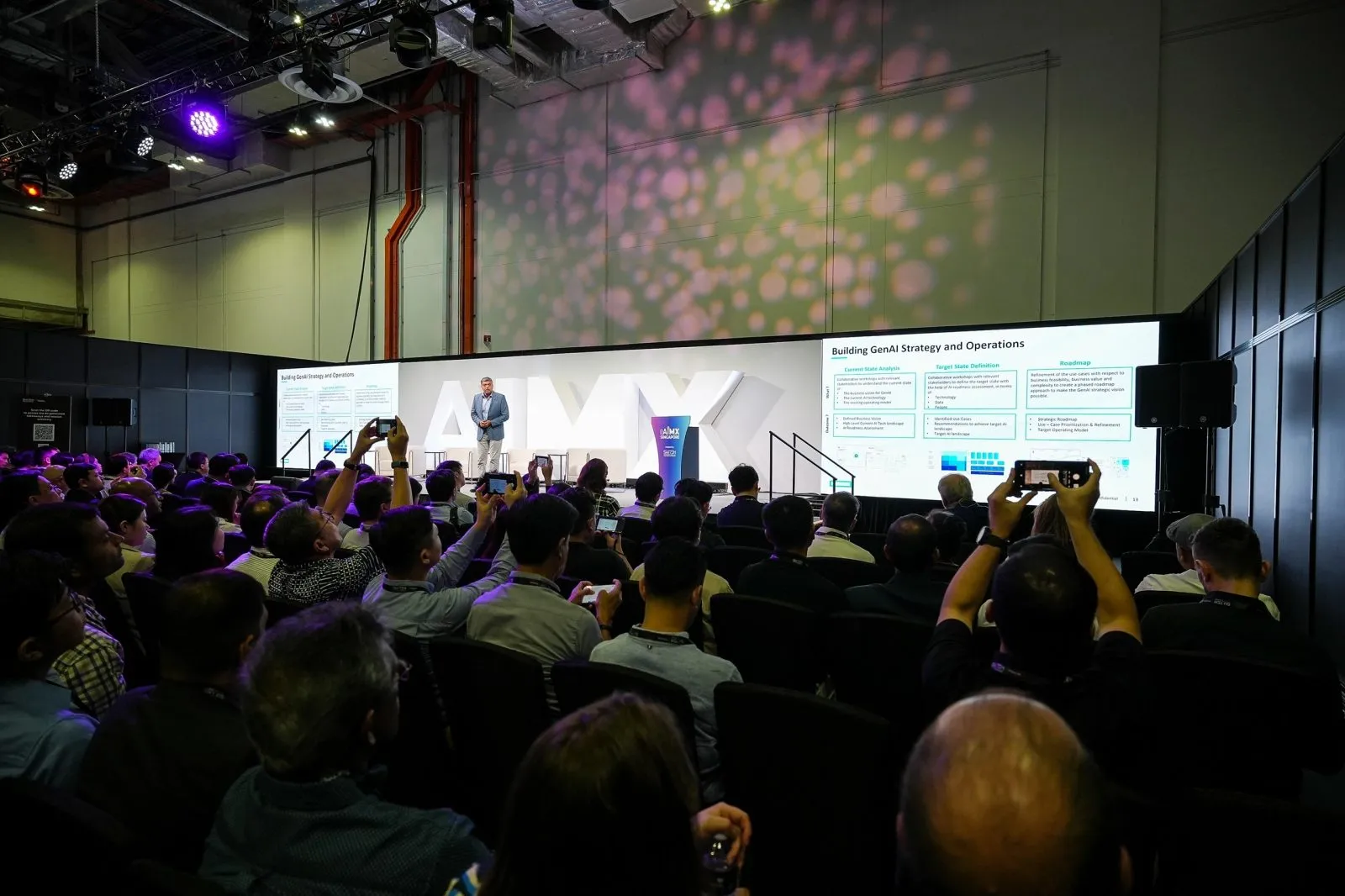
An internal session can be streamed with restricted access, using a private link, a password, or both, kept off public listings and tested during rehearsal so employees can reach it without difficulty while outsiders cannot.
Key takeaways
- State the restricted-access requirement when you book, since it changes how the stream is configured.
- A private link, a password, or a combination of both are the usual restriction methods.
- Balance ease of employee access against the strength of the restriction you need.
- Test restricted access from an ordinary employee's device during rehearsal, not just from the production laptop.
- Brief the streaming crew on your access requirement clearly rather than assuming it is the default.
Why an internal strategy session needs a non-public stream
A public stream link can be shared, indexed or stumbled upon by anyone with the URL, which is fine for a public conference session but not for an internal strategy update, a confidential briefing or a session covering information not meant to leave the organisation. Treating internal streams with the same open settings as a public event stream is one of the more common gaps in event planning, mainly because it is easy to overlook until someone asks who else can see the link.
Flag this requirement clearly when you book your live streaming crew, since restricted access is a configuration decision made before the stream goes live, not something switched on afterward. Naming the requirement early also gives the crew time to check that the intended restriction method fits your platform and audience size before rehearsal.
Setting up link-based or password-restricted access
The two common approaches are a private, unlisted link shared only with intended viewers, and a password layer added on top of the stream itself. A private link alone relies on the link not being forwarded further, which is usually sufficient for a trusted internal audience. Adding a password gives a stronger layer of restriction for sessions covering more sensitive material, at the cost of one extra step for viewers joining.
Decide which level of restriction matches your session's sensitivity rather than defaulting to the strictest option every time, since an unnecessarily complicated access process can itself cause employees to miss the start of the stream while they struggle to join. It is worth remembering that the goal of restricted access is keeping the wrong people out, not making it difficult for the right people to get in.
Balancing ease of employee access with restriction
The right balance depends on your audience and your organisation's own security expectations. A large all-staff session benefits from a simple, low-friction access method since asking hundreds of employees to manage a password correctly invites support requests during the stream itself. A smaller leadership or confidential session can reasonably carry a stronger restriction since the audience is limited and used to following instructions carefully.
Whatever method you choose, communicate the access instructions clearly in advance through your normal internal channels, so employees are not trying to figure out the link or password for the first time as the session is starting. A short reminder sent closer to the start time, repeating the access details, also reduces the number of people joining late because they lost the original message.
Testing restricted access during rehearsal before go-live
Test the actual restricted-access flow during rehearsal, not just the stream's video and audio quality. Have someone outside the production team, ideally on an ordinary employee device rather than the crew's own equipment, try to join using the exact link and password that will be distributed. This catches problems such as a password that is difficult to type accurately, a link that behaves differently on mobile devices, or a restriction that is stricter than intended and locks out legitimate viewers.
This test should happen early enough in the rehearsal that there is still time to adjust the access method if something does not work as expected, rather than discovering a problem minutes before the session is due to start.
Briefing this requirement clearly when you scope the project
Raise the restricted-access requirement when you first discuss your live streaming booking, along with your expected audience size and how sensitive the session's content is. This gives the crew time to configure the right level of restriction and build the access test into the rehearsal plan, rather than treating it as a last-minute request on the day of the session.
A clearly scoped requirement also makes it easier to confirm exactly what is included in the booking, since restricted access is a configuration choice worth stating explicitly rather than assuming it is the default setup. Sessions covering financial results, unannounced changes or anything not yet public tend to need the stricter end of the restriction options, so it is worth flagging that context specifically when you scope the booking, ahead of confirming the access method with the crew.
Questions organisers ask
Can a live stream be restricted to only employees with a specific link?
Yes. A private, unlisted link shared only with intended viewers is a common way to restrict access, and it can be combined with a password for sessions covering more sensitive material.
How is restricted access tested before the actual event?
Someone outside the production team should join using the exact link and password during rehearsal, ideally from an ordinary device rather than the crew's own equipment, to confirm the access flow works as intended before the real session begins.
Should a password always be added on top of a private link?
Not necessarily. A private link alone is usually enough for a trusted internal audience, while a password adds a stronger layer for more sensitive sessions. Match the restriction level to how sensitive the session's content is.
Who should we tell about the restricted-access requirement when booking?
Tell your live streaming crew directly when you first scope the booking, along with your expected audience size, so the access method can be configured and tested during rehearsal rather than added at the last minute.
Talk to us about configuring restricted access for your next internal session through live streaming and hybrid events.
Related reading: Event Live Streaming Singapore · Corporate Event Photographer Singapore · Event Live Streaming in Singapore: Costs & How It Works.
More guides: Covering a restricted-publicity event: the photography protocol · What to brief your live streaming technicians before event day · Requesting a password-protected gallery for a closed-door event.
Let's talk
Planning an event in Singapore?
Send us the date, venue and programme. You will get a considered production plan and a fixed nett quote.